
4D Armrests
Adjustable in multiple directions so your forearms can rest at a natural height and angle next to the desk.
Free continental US shipping
30-day money-back guarantee
1-year warranty · SGS tested
KAELIX / Ergonomics
Five adjustments and one structural foundation. Set up once, then sit properly every day.
The adjustment system
Each adjustment is independent, so you can dial in support without compromising another position.
Adjustable in multiple directions so your forearms can rest at a natural height and angle next to the desk.
Raise or lower the lumbar support until it meets the natural curve of your lower back.
Adjustable head and neck support for reclined working or simply resting your head between tasks.
Set seat depth so the front edge of the seat supports your thighs without pressing behind the knees.
Four locking positions across 105°–131°, so you can shift between upright focus and open recline.
A chrome-plated Class 4 gas lift sets seat height, paired with an R350 aluminium alloy base.
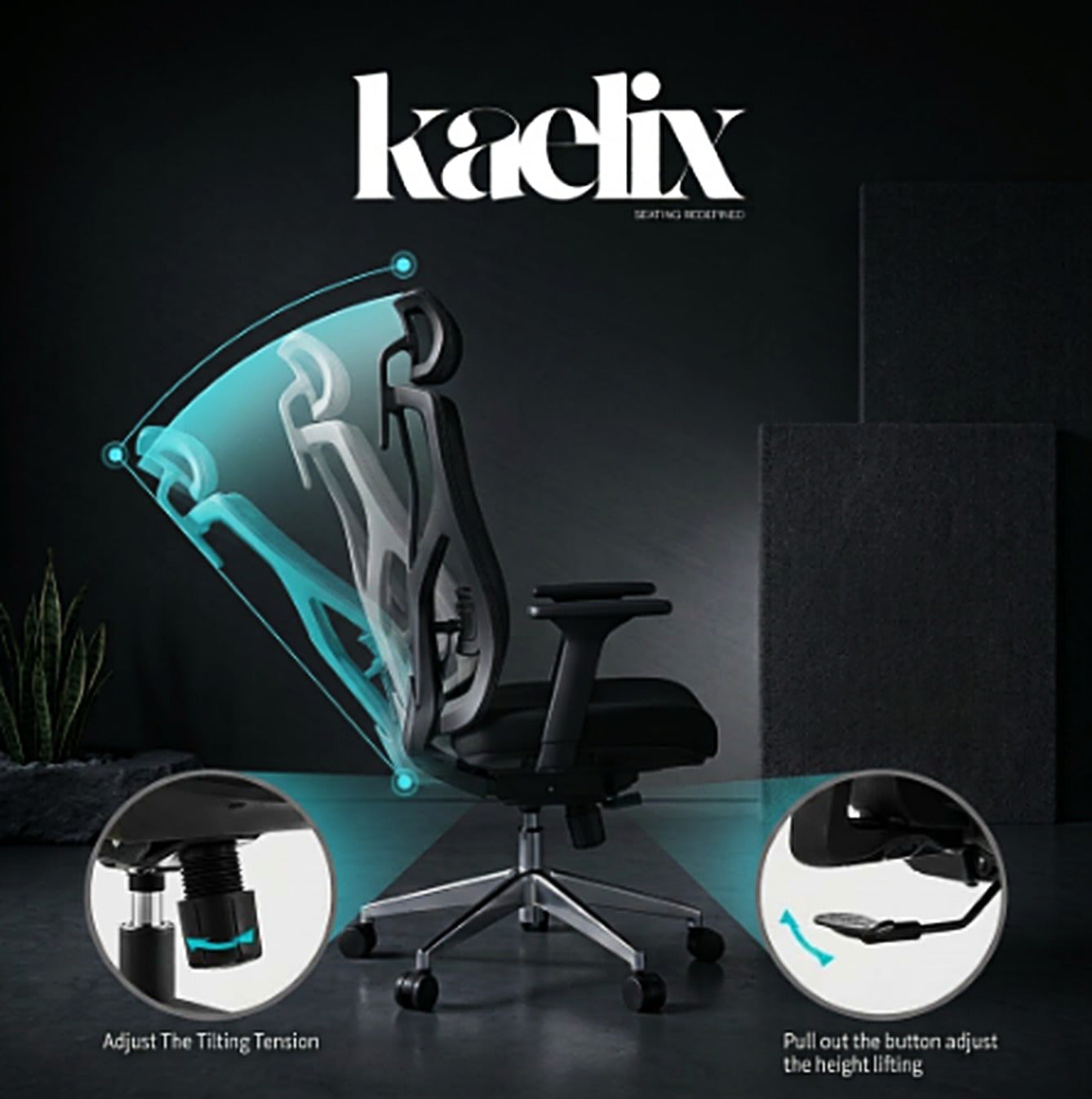
Recline / 105°–131°
A four-position locking mechanism lets you move between a focused upright posture and an open reclined position. Tension is adjusted from the mechanism beneath the seat.
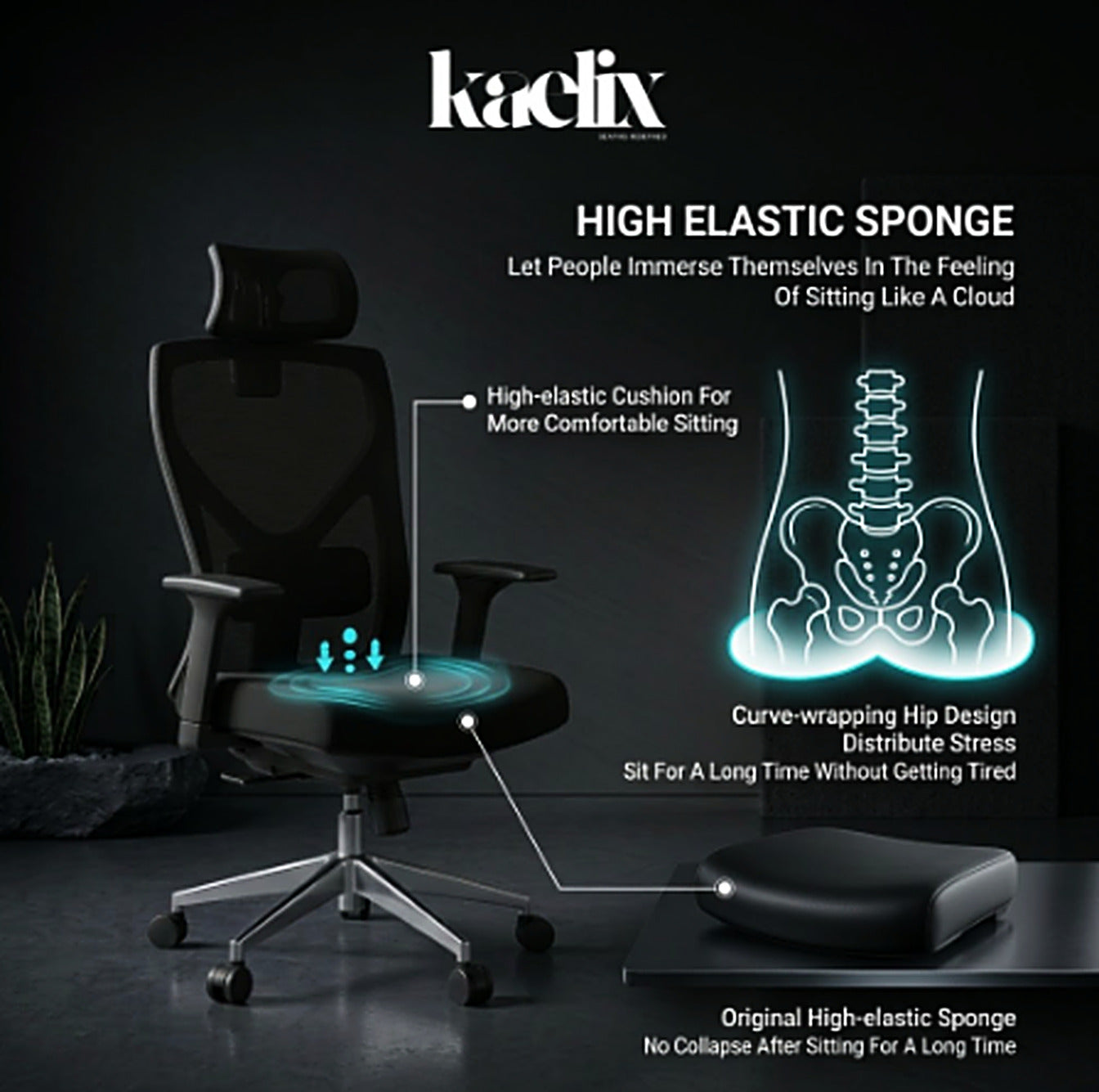
Seat / High-density foam
A seat that is too deep presses behind the knees; one that is too shallow leaves the thighs unsupported. The KAELIX seat slides forward and backward so you can set the depth that fits your body — with a curved, high-density foam profile that distributes load across the hips.
General ergonomic guidance only — these are practical setup steps, not medical advice.
Raise or lower the seat with the Class 4 gas lift until your feet rest flat on the floor and your knees sit at roughly a right angle.
Slide the seat forward or backward until there are about two to three fingers of space behind your knees.
Raise or lower the lumbar support so it sits in the natural inward curve of your lower back.
Set the 4D armrests so your forearms rest lightly at desk height with your shoulders relaxed and elbows near a right angle.
Adjust the 2D headrest so it supports the base of your skull when you recline, without pushing your head forward.
Pick one of the four locking positions. Open the angle slightly for longer sessions and adjust tilt tension from the mechanism below the seat.
The KAELIX Ergonomic Chair ships free across the continental United States.